I’m very excited to share I got into the Workday Developer Personal Account Program!
Historically, Workday developer tools and documentation were only available to Workday customers or approved partners.
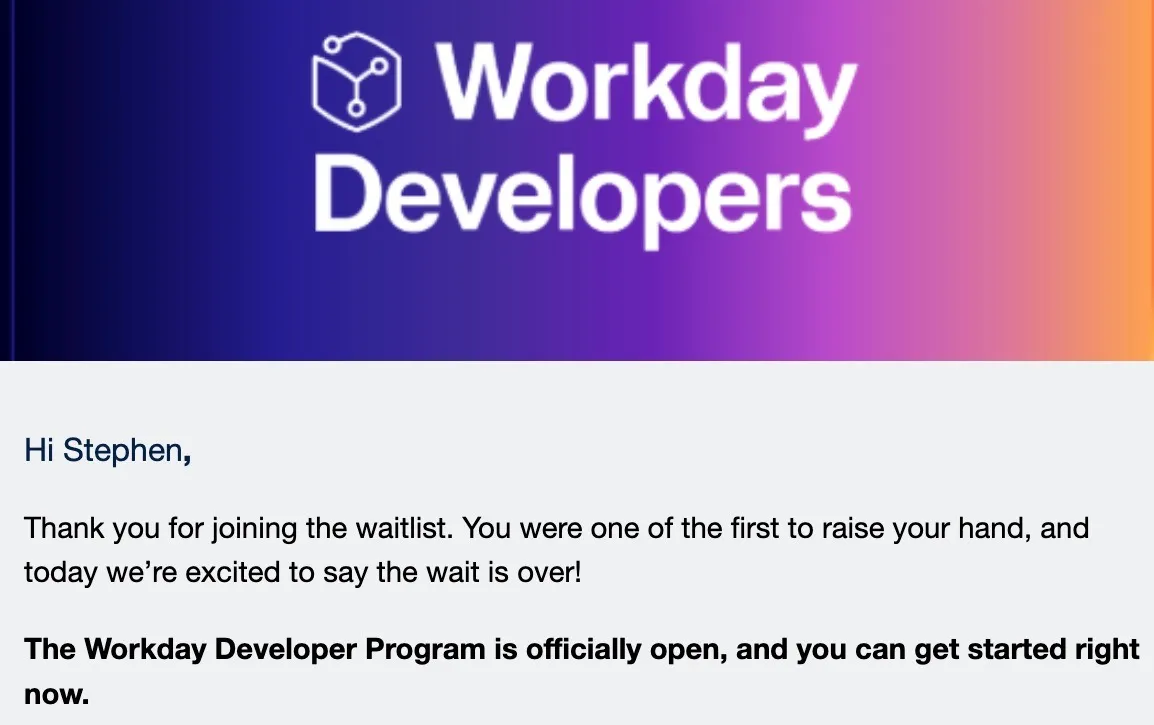
Last week, I read an email from Workday saying they are opening up the developer platform and immediately signed up. (Join the waitlist) The email had links to an official blog post and a LinkedIn post. As AI agents increasingly build and run processes, Workday is opening up the platform so that you can build with your AI tools of choice, “inside Workday’s trusted security rails.”
Tenant included
The first welcome email included instructions to sign up for a development tenant. This required another short application form submission and then I could create tenant(s).
This is super cool! I did some ServiceNow training a year-ish ago and their training courses give you dev instances like this (but I remember them being much slower).
At a glance, the tenant came with ~80 test workers and 20 configured business processes. Clicking around the tenant felt snappy and fast.
#TODO
I need shut down my computer to go to bed, but I’m looking forward to checking this out more.
- Developer Agent: This was GA released a few days ago and I can’t wait to give this a try when I have more time to play with it. 🤞 it’s at least half as good as other agents are at open source languages.
- Ask for examples of things I can build.
- Try to build a “Hello, World!” integration.
- Try to rebuild my Synthire POC project to quickly generate test data.
- Try to get it to build something on Orchestrate that would have required Workday Studio in the past.
- Try to use Claude to build on Workday.
- Check out Workday MCP.
- Learn more about Workday’s Agent System of Record (ASOR).
- Learn more about “Agent to Agent” to get agents to talk to each other.
- Find out all the other features I’m missing or haven’t heard about.